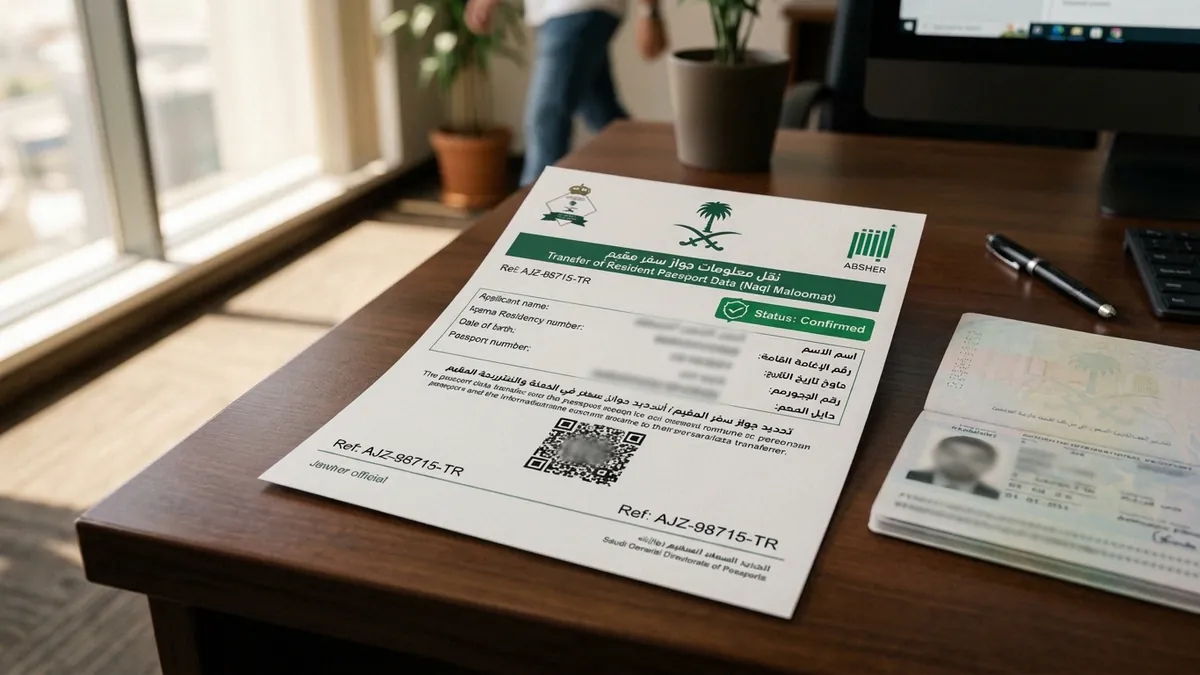
Why transferring passport information (Naql Maloomat) is legally required
In Saudi Arabia, your legal residency (Iqama) is directly linked to your foreign passport number within the central databases of the Ministry of Interior (MOI) and the General Directorate of Passports (Jawazat). When an expatriate renews an expiring passport at an embassy in Riyadh or consulate in Jeddah, the foreign embassy issues a new passport book with a distinct number, issue date, and expiration date.
However, Saudi border control gates, the Absher portal, and airport immigration systems continue to reference your previous passport record until you formally complete 'Naql Maloomat' (نقل معلومات — Transfer of Passport Information).
Failing to update your passport record creates severe operational bottlenecks:
1. Airport Immigration Stoppages: Border guards will reject your boarding or entry if the passport presented does not match the active biometric file in the Jawazat border system.
2. Exit-Reentry Visa Lockouts: You cannot issue or extend a Single or Multiple Exit-Reentry Visa if your registered passport has fewer than 60 to 90 days validity.
3. Iqama Renewal Halts: Employers and heads of household cannot renew residency permits on Absher or Muqeem if the registered passport validity has expired in government databases.
Prerequisites and conditions: the 5-year rule, 12-month window & fee
Jawazat enforces strict conditions for updating passport information through digital self-service channels:
1. Remaining Validity Under 12 Months: The old passport registered in the system must have less than one year (12 months) of validity remaining, or already be expired, to trigger the update.
2. Once Every 5 Years Limit: Absher limits online passport updates to exactly once every 5 years per individual. If you renew your passport prematurely or lose a replacement within five years, the online portal locks the service and requires submission via the Tawasul electronic window.
3. Clean Traffic Violation Record: All traffic fines registered against the Iqama holder and the dependent must be fully settled through SADAD before the transaction can be processed.
4. Physical Presence Inside the Kingdom: The individual whose passport is being updated must be physically present inside Saudi Arabia at the time of submission.
5. Active Residency and No Huroob: The Iqama must be currently valid, and the resident must not be registered with an 'Absent from Work' (Huroob) report.
6. Statutory Service Fee: The online service fee is SAR 69 (including 15% VAT), payable securely via mada debit card, credit card, or SADAD bill payment.
Crucial distinction: rules for company employees vs family dependents
One of the most frequent misconceptions among expatriates is attempting to update an employment passport through a personal Absher account. Jawazat enforces strict role separation:
1. Family Dependents (Wife and Children): The primary sponsor (husband/father) can directly update their dependents' passports using their personal Absher Individuals account without employer intervention.
2. Private Sector Employees: Company-sponsored expat workers CANNOT update their own passports on Absher Individuals. The update must be processed by the company's Government Relations Officer (Muqqib) or HR department through Absher Business (absher.sa/business) or the Muqeem corporate platform (muqeem.sa).
3. Domestic Workers (Housemaids, Private Drivers): Individual sponsors (Kafeel) can update their domestic workers' passports directly through their personal Absher account under 'Services for Sponsored Persons' (Kafala).
Step-by-step procedure: updating dependent passport on Absher Individuals
To update a dependent's passport online without booking an appointment at a passport office, follow these verified procedural steps:
- 1
Log in to Absher Individuals
Navigate to the official portal (absher.sa), sign in with your National ID / Iqama username and password, and complete two-factor authentication via the SMS OTP sent to your registered mobile.
- 2
Navigate to Passports Dependent Services
From the main dashboard, click on 'My Services' > 'Services' > select 'Passports' (Jawazat) > choose 'Update Resident Passport Information' (تحديث معلومات جواز للمقيمين).
- 3
Select the eligible family member
The system displays a list of your registered dependents. Choose the specific dependent whose new passport has arrived. Verify that their old passport status shows less than 12 months validity.
- 4
Enter new passport specifications and upload document
Enter the new passport number, issuing country, city of issue, issue date, and expiration date (Gregorian format). Upload a high-resolution, clear color scan (PDF or JPEG under 1MB) of the bio-data page showing the photograph, machine-readable zone (MRZ), and official signature.
- 5
Review details and pay the SAR 69 fee
Verify that all inputted numbers match the physical passport exactly. Accept the legal declaration, proceed to the secure payment gateway, and settle the SAR 69 fee via mada or credit card.
- 6
Save confirmation receipt and verify digital Iqama
Upon successful processing, Absher generates a confirmation receipt with a barcode and reference number. The Jawazat database updates within minutes; verify the updated passport number in the digital documents section of the Absher Individuals app.
Troubleshooting portal errors: how to resolve blocks via Absher Tawasul
If the Absher automated form returns an error such as 'The data cannot be updated electronically' or 'You have exceeded the allowed frequency (once every 5 years)', do NOT queue at a physical Jawazat branch. Jawazat requires users to resolve electronic discrepancies via the Tawasul service.
How to submit via Absher Tawasul (تواصل):
1. Open Absher Individuals > 'My Services' > 'Services' > 'Passports' > select 'Tawasul' (تواصل).
2. Click 'New Request' and select Service Sector: 'Resident Identity and Dependent Services' (خدمات الهوية والمقيمين).
3. Under Sub-Service, choose 'Transfer Passport Data / Naql Maloomat' (نقل معلومات الجواز).
4. In the request description, state: 'Kindly update the resident passport data as the online automated service is restricted due to 5-year frequency / system validation'. Provide old passport number, new passport number, and Iqama number.
5. Attach a single combined PDF document containing: a clear copy of the new passport bio-data page, a copy of the old passport page, a copy of the valid Iqama, and a screenshot of the automated Absher error code.
6. Submit the ticket. A Jawazat officer manually reviews the uploaded embassy documents and processes the update within 48 to 72 business hours. You will receive an SMS confirmation once the record is updated.
Post-update verification: what to carry during your next international trip
Once your passport data is successfully transferred in the Jawazat system, ensure you follow these critical travel protocols:
1. Check Absher Digital Cards: Open the Absher app and verify that your digital Iqama shows the updated passport number and expiry date.
2. Carry Both Old and New Passports: When traveling internationally through King Khalid International Airport (Riyadh), King Abdulaziz International Airport (Jeddah), or King Fahd International Airport (Dammam), always carry BOTH your newly issued passport and your cancelled old passport, especially if your initial entry stamp or previous exit-reentry paper visa reference resides in the old booklet.
3. Synchronize Airline Bookings: Contact your airline or update your passenger details online to ensure the passport number registered on your flight booking matches your new passport.